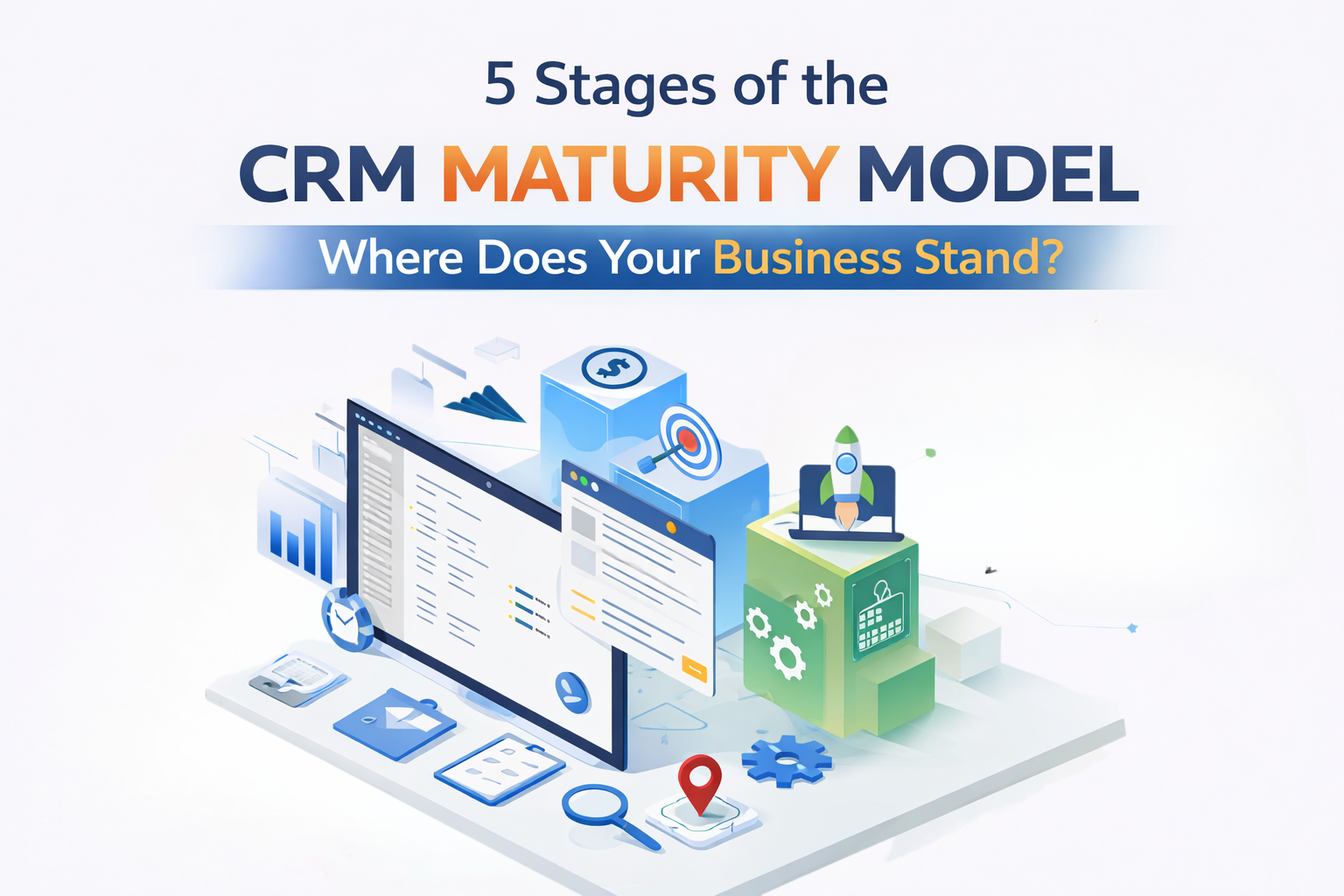
CRM systems are essential for enhancing customer satisfaction and driving revenue growth. However, simply having a CRM in place isn’t enough; businesses must assess how effectively they’re using it to unlock its full potential. The CRM maturity model helps evaluate and optimize CRM practices at every stage.
By understanding where your business stands on the CRM maturity scale, you can identify gaps and take actionable steps to improve customer interactions, align your CRM with business goals, and maximize your investment.
Overview of the CRM Maturity Model
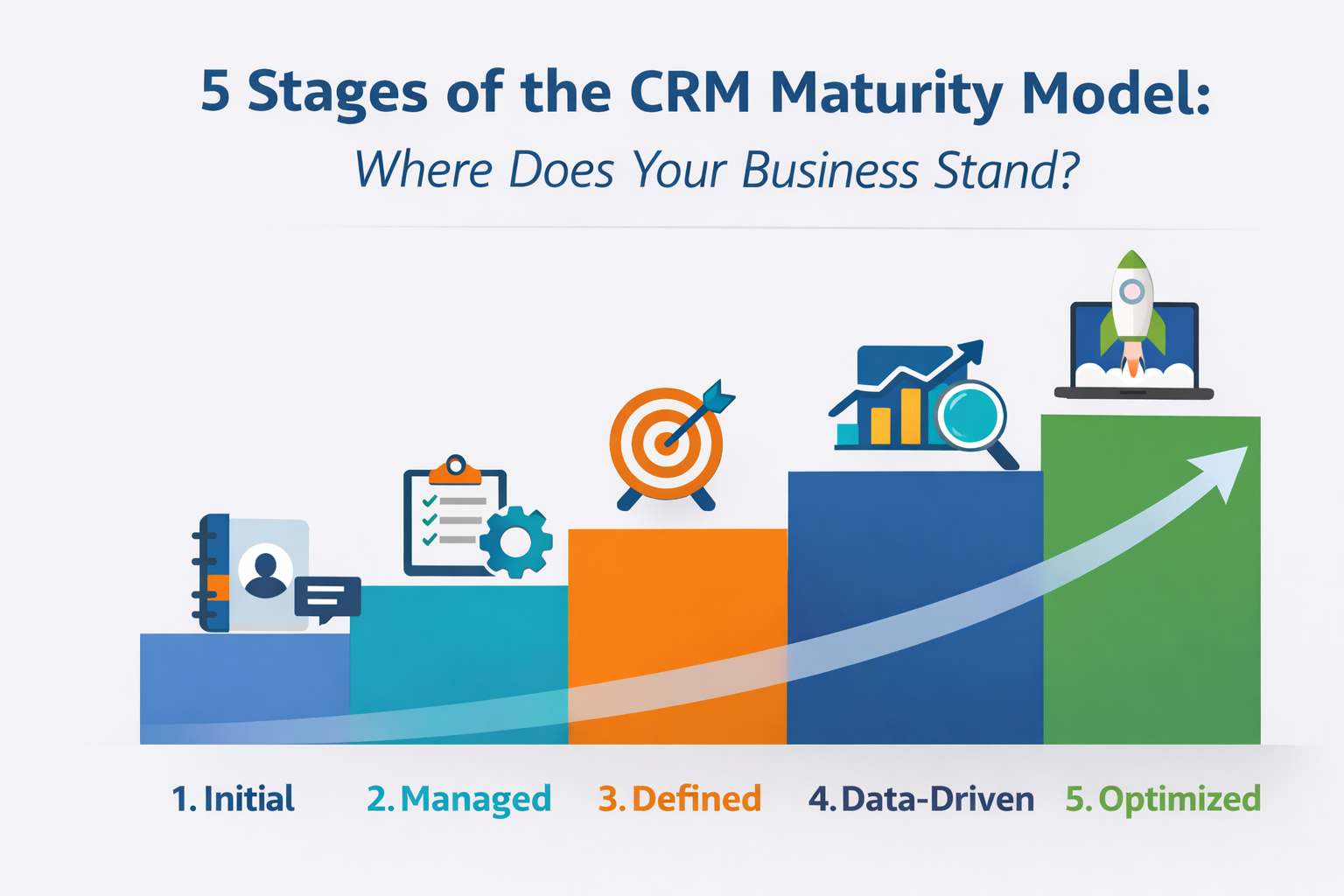
The CRM maturity model maps how effectively businesses use customer relationship management technology and processes. It progresses from simple contact storage to strategic relationship development that directly impacts revenue.
This framework isn’t about software features but about organizational capability. Two companies with identical CRM platforms can operate at completely different maturity levels based on how they use the system and align processes with business goals.
A proper CRM maturity assessment evaluates your current state across people, processes, and technology, identifying specific actions needed to move forward.
Stage 1: Initial/Ad Hoc Approach
At the first stage, your business likely relies on basic systems that lack structure or integration. Many companies in this phase use rudimentary tools like spreadsheets or free software to track customer information. There is little to no automation or strategic planning behind these efforts.
Characteristics:
- Basic Tracking: Businesses may track contact details or basic customer interactions, but there’s no centralized system for managing this information.
- Siloed Data: Customer data is often scattered across different systems or even physical files, making it difficult to have a comprehensive view of each customer.
- Manual Processes: Inefficiencies can arise as most task is done manually.
Challenges:
- Inconsistent Information: Without a centralized system, it’s hard to ensure that all customer data is accurate and up to date.
- Limited Visibility: It’s difficult to get a complete view of customer interactions, which means opportunities for improving customer service and engagement may be missed.
Assessment:
If your business finds itself in this stage, it’s essential to move toward a more structured approach. Centralizing your customer data and automating some basic processes will help streamline efforts and make your team more efficient.
Stage 2: Managed Approach
As your business matures, it begins to formalize its approach to managing customer data. At this stage, systems are more structured and efficient, but they may still be limited in scope. There is a clearer understanding of the importance of customer data, and businesses start to implement systems to track more than just basic details.
Characteristics:
- Structured Tools: Companies start using more robust systems that provide better ways to organize customer information, even if these tools are not yet fully integrated across the business.
- Process Formalization: Basic workflows and processes are established to handle customer data, though automation may still be in its early stages.
- Improved Reporting: Businesses can generate reports to track performance, but insights may still be limited to basic metrics.
Challenges:
- Data Gaps: While data is more organized, there might still be gaps or redundancies that prevent businesses from getting a full understanding of their customers.
- Limited Integration: Departments may still work in silos, with different teams using separate systems that don’t communicate with one another.
Assessment:
At this point, you’ve moved beyond basic tracking and are starting to develop a more strategic approach. To reach the next stage, your focus should shift to integrating your systems and improving your ability to derive insights from the data you’ve collected.
Stage 3: Defined Strategy
At this stage, businesses have fully implemented systems that integrate with other key functions like sales, marketing, and customer service. A clear customer engagement strategy is in place, and departments are aligned on using data to improve the customer experience. There’s more focus on optimization and refining processes.
Characteristics:
- Cross-Department Integration: Your system is now integrated across multiple departments, allowing for a seamless flow of customer data and better collaboration between teams.
- Strategic Use of Data: Businesses use customer data not just for tracking, but to inform marketing campaigns, sales strategies, and service improvements.
- Standardized Processes: Clear workflows are in place to ensure consistency across customer interactions, whether through sales, customer support, or marketing efforts.
Challenges:
- Customization: Your system might still require some customization to meet the specific needs of your business.
- Ongoing Data Quality: Ensuring that the data is high-quality and relevant requires continuous attention and management.
Assessment:
If your business has reached this stage, you’ve begun using your systems to drive decision-making and customer engagement. However, to truly optimize, your next focus should be on advanced analytics and personalization.
Stage 4: Data-Driven Approach
The Data-Driven stage is where your business starts to harness the power of advanced analytics. This is where you can predict customer behavior, identify trends, and optimize your processes based on real-time insights. Technology like machine learning and artificial intelligence begins to play a role in decision-making.
Characteristics:
- Advanced Analytics: Your systems are not just collecting data but actively analyzing it to uncover insights that can drive strategic decisions.
- Personalized Interactions: With a deeper understanding of customer behavior, businesses can tailor their messaging, product recommendations, and overall customer experience.
- Real-Time Insights: Data is collected and analyzed in real-time, allowing businesses to make immediate, informed decisions.
Challenges:
- Scalability: While predictive analytics can be incredibly useful, scaling these systems to handle large amounts of data can be challenging.
- Data Governance: With an increasing volume of data, maintaining its quality and security becomes crucial.
Assessment:
At this stage, your business is highly focused on data to improve decision-making and customer interactions. Your next challenge is to ensure that all systems and processes scale effectively to keep up with the growing amount of data and customer needs.
Stage 5: Optimized Customer Experience
The final stage represents the pinnacle of CRM maturity. Here, businesses have fully integrated systems that provide a seamless experience across all customer touchpoints. Everything from marketing to sales to service is data-driven, and customers receive a highly personalized experience tailored to their unique needs. These businesses are continually optimizing and innovating, ensuring they stay ahead of the curve.
Characteristics:
- Holistic Customer Experience: Your systems are fully integrated, and customer data is used across all departments to deliver a seamless, personalized experience.
- AI and Automation: Advanced AI technologies predict customer behavior and automate processes to provide instant, highly personalized responses.
- Continuous Improvement: Systems are continuously optimized based on insights and feedback to ensure that customer engagement is always evolving.
Challenges:
- Innovation: In order to stay at the top, businesses must continuously innovate, ensuring that the tools and strategies in place remain effective.
- Data Privacy: As customer data usage increases, businesses must stay vigilant about security and privacy concerns.
Assessment:
If your business is at this stage, you are likely a leader in customer engagement and are reaping the rewards of highly optimized systems. The key here is to maintain your momentum by staying ahead of technological trends and keeping your systems adaptable.
Essential Tactics for Advancing Your CRM Strategy
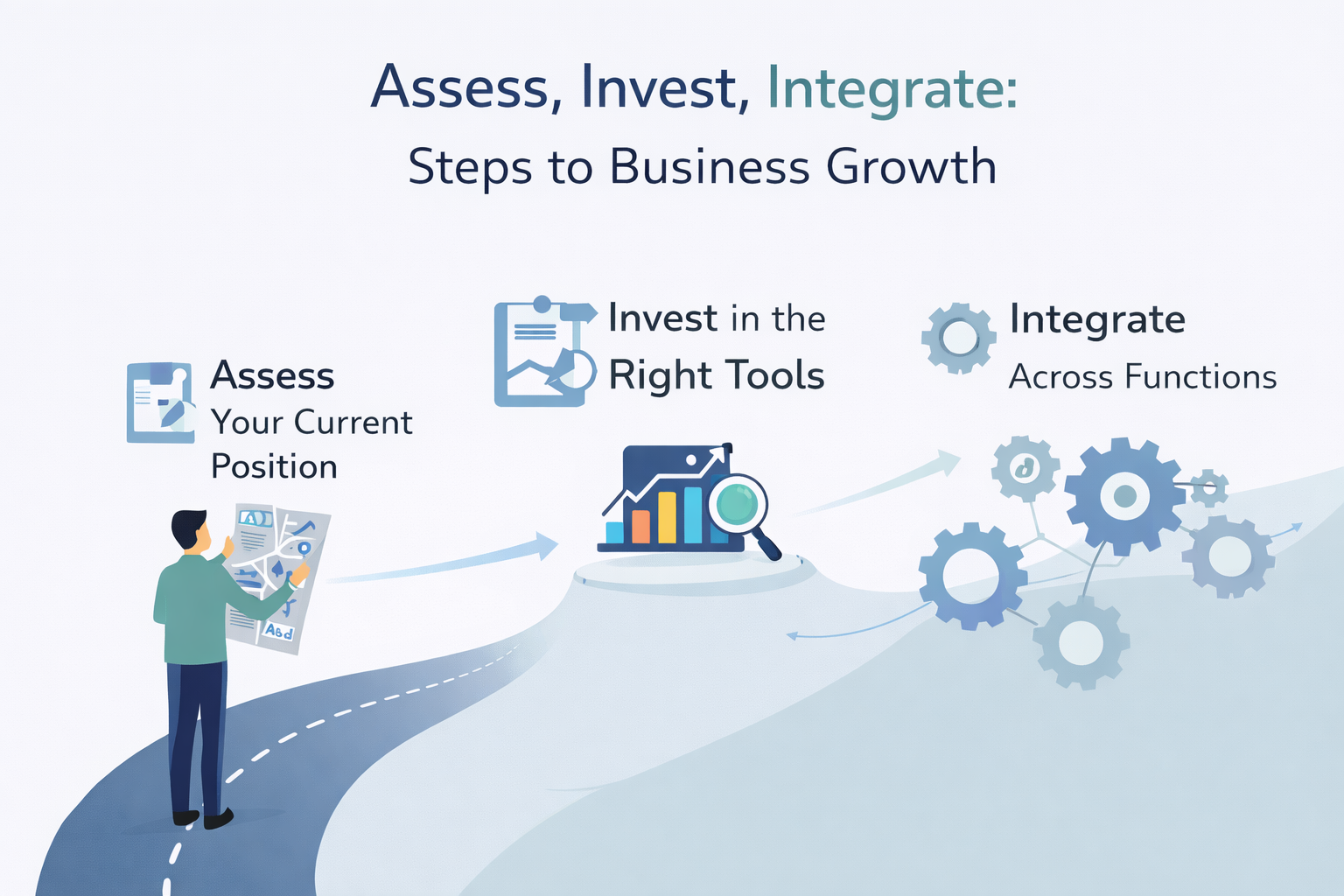
No matter where you stand, it’s important to recognize that moving from one stage to the next requires a clear plan and a commitment to continuous improvement. Here are a few strategies for advancing through the stages:
- Assess Your Current Position: Take the time to evaluate where you currently stand in the CRM maturity model. Identify the gaps in your current processes and set clear goals for what you want to achieve.
- Invest in the Right Tools: As your business grows, so do your needs. Invest in tools that align with your current goals and are scalable as you move forward.
- Focus on Data Quality: Data is at the core of every CRM strategy. Ensure your data is accurate, consistent, and up to date.
- Enhance Personalization: Begin using the insights you gather from customer data to personalize interactions and create more meaningful relationships.
- Integrate Across Functions: Ensure all teams are using the same systems and data to create a consistent and seamless experience for customers.
Conclusion
The CRM Maturity Model provides a clear roadmap for businesses looking to improve their customer engagement strategies. By understanding where your business currently stands, you can take actionable steps to move forward and create a more effective and data-driven approach to managing customer relationships. Whether you’re at the beginning stages or already optimizing your systems, remember that continuous improvement is the key to unlocking the full potential of your customer management tools.
Remember that CRM maturity is a journey, not a destination. The goal isn’t reaching perfection, it’s building sustainable processes for continuous improvement that compound over time.
Ready to advance your CRM maturity? Qualix Solutions helps businesses assess their current stage and build practical roadmaps for improvement that deliver measurable revenue impact. Contact us to discover where you stand and what’s possible.
FAQs
How long does it take to progress from one stage to the next in the CRM maturity model?
Typical progression takes 6-18 months depending on company size and resource commitment. Rushing creates instability, while excessive delays means missing revenue opportunities from better customer management.
Can a small business benefit from understanding the CRM maturity model?
Small businesses often advance faster through early stages because they have fewer people to coordinate and simpler processes to standardize. The maturity model helps avoid overbuying technology and focus investments where they’ll drive the most value.
What’s the difference between CRM maturity and CRM adoption?
CRM adoption measures how many people use the system. CRM maturity assesses how effectively the organization leverages CRM to achieve business objectives—you can have high adoption but low maturity if users just enter data without extracting insights.
Do all businesses need to reach stage five of the CRM maturity model?
No, optimal maturity depends on your business model and competitive position. A local service business may thrive at stage three, while an enterprise SaaS company needs stage four or five capabilities to win deals.