In today’s hyperconnected world, the demand for more natural, adaptive, and inclusive communication is growing. Multimodal technology and multi communication systems are not just technical innovations. They help users, teams, and systems interact effectively across platforms and environments by combining inputs like speech, visuals, text, and gestures into natural and intuitive communication experiences. This blog explores why this is a strategic asset across industries and technologies.
The Meaning of Multimodal Communication
At its core, multimodal communication expands beyond single channel interactions by blending different modes of expression. Whereas traditional communication might rely on a spoken conversation or a written message alone, multimodal communication brings together multiple synchronized channels such as video, text, voice, and physical gestures to convey meaning with greater clarity and depth.
If you’ve ever watched a presenter use slides with graphs, spoken narration, and live demonstration, that’s multimodal communication at work. Similarly, in tech systems, interfaces that accept voice commands, touchscreen input, and visual feedback simultaneously represent multimodal communication in action.
Multimodal in Tech
What is Multimodal Tech?
Multimodal tech refers to systems designed to interpret, respond to, or generate inputs across different communication forms. Rather than being limited to one channel, multimodal tech can combine voice, touch, visual cues, sensor data, and more to create seamless interactions between users and machines.
Devices that can respond to speech and gesture, or applications that analyze text, audio, and video simultaneously, are all examples of multimodal tech in action.
Why is Multimodal Communication Important?
Businesses, educators, and technologists are increasingly asking: why is multimodal communication important?
Here’s why:
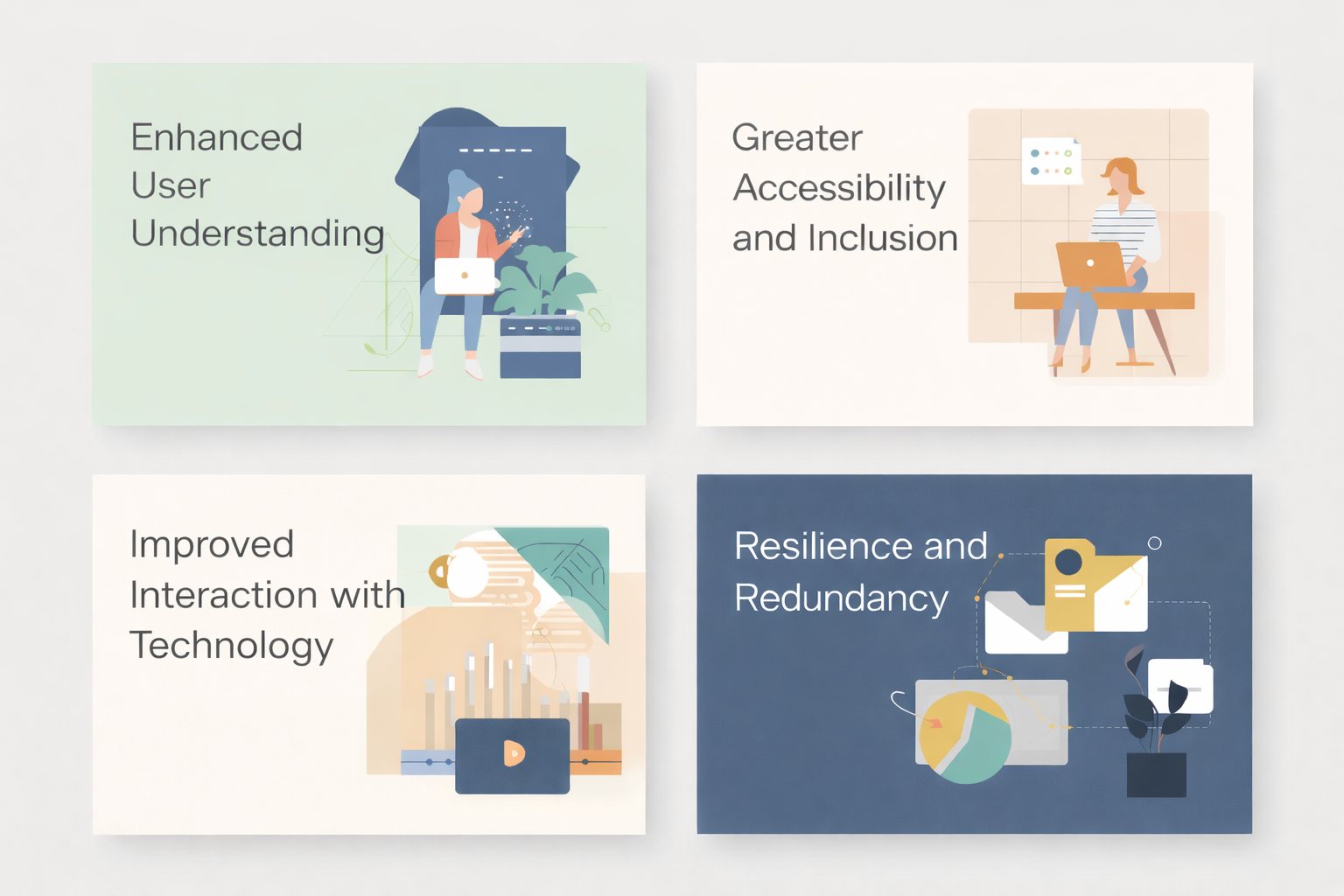
1. Enhanced User Understanding
By leveraging multiple channels of input and output, messages become richer and interpretations more accurate. Visual context supports comprehension while audio narrative reinforces intent. This layered information reduces ambiguity and builds clearer communication pathways.
2. Greater Accessibility and Inclusion
Traditional single‑mode communication may exclude users with different capabilities or preferences. Multimodal systems support alternative ways to communicate such as touch interfaces or voice commands for users who cannot use speech, making digital environments more accessible and inclusive for people with different abilities.
3. Improved Interaction with Technology
Multimodal technology enables machines to interpret complex human behavior more intuitively. Interfaces that accept speech, visual, and gesture inputs mimic natural human communication patterns, reducing learning barriers and simplifying interaction design.
4. Resilience and Redundancy
When one mode fails or is ambiguous (e.g., audio in a noisy room), other modes can compensate. Redundant channels improve communication reliability whether between humans or between humans and computers.
The Core Types of Multimodal Communication
Understanding the types helps organizations design more effective strategies and products. These include:
1. Audio‑Visual Multimodality
Combining spoken language with video or imagery such as presentations, webinars, and live streams.
2. Text + Visual Interfaces
Traditional text combined with diagrams, photos, and charts to improve clarity. Common in educational content and dashboards.
3. Speech + Touch + Gesture Interfaces
Used in advanced digital systems where users can speak commands while using touch gestures or hand motions.
4. Sensor‑Integrated Systems
These collect and interpret environmental data (e.g., motion, location) combined with user input to form context‑aware responses.
5. Hybrid Human‑Machine Communication
These are systems that mix content people can easily read with data machines can understand, like chat systems that pair text with animated responses. Each type has its own purpose, whether it’s making things more accessible, keeping users engaged, or supporting automation and analytics.
How Multimodal Technology Works
To understand how multimodal tech functions, it’s useful to break it down into three parts:
1. Input Acquisition
The system captures data from multiple sources like voice, text, gesture, video feed, sensor signals. These are often synchronized based on time and context.
2. Processing and Fusion
The system analyzes inputs separately and then combines them to form a coherent interpretation. This step is crucial for systems that need to understand the meaning behind signals and contextual cues.
3. Output Generation
Once interpreted, the system generates responses using one or multiple modes such as spoken responses, visual feedback, or haptic alerts.
Modern multimodal systems rely on sophisticated algorithms that transcend simple command interpretation, using real‑time data fusion to react dynamically to user behavior.
Multimodal Communication in Everyday Use
The examples are found everywhere, both in human interactions and in technology platforms:
1. Collaborative Business Tools
Platforms like video conferencing that combine video, audio, text chat, and interactive whiteboards.
2. Smart Devices and Assistants
Voice assistants that integrate voice commands with touch responses and visual feedback.
3. Educational Platforms
Interactive learning modules that combine text, video, quizzes, and live feedback for diverse learning styles.
4. Customer Service Interfaces
Chatbots that use text, visual cards, and voice interfaces to help users resolve issues faster.
5. Multimodal AI Systems
Intelligent systems that process text, vision, and audio concurrently, advancing areas such as autonomous machines and smart diagnostics.
These examples shows how it enhances efficiency and user experience across domains.
Multimodal Communication in Business Operations
Multimodal communication isn’t just a technology, but a strategic business tool.
Training and Onboarding
Blending video tutorials, written SOPs, interactive feedback, and voice coaching improves learning outcomes and retention.
Remote Collaboration
Teams use mixed channels (audio calls, text chat, virtual whiteboards) to coordinate faster and align on complex tasks.
Customer Engagement and Support
Customers can choose whether to communicate through text, voice, or video depending on what works best for them, which usually leads to a better experience
Internal Knowledge Sharing
Multimodal systems empower employees to express ideas in richer formats like visual diagrams, live commentary, and text annotations.
Benefits of Implementing Multimodal Communication Systems
The advantages of adopting multimodal systems are tangible:
- Better engagement: Users connect more deeply when they can express and interpret through multiple channels.
- Reduced errors: Cross‑referencing between modes minimizes miscommunication.
- Faster learning and collaboration: Diverse inputs improve retention and coordination.
- Scalable communication infrastructure: Multimodal systems adapt to mobile, desktop, and immersive environments seamlessly.
Challenges and Considerations
While powerful, adopting multimodal communication technologies also presents challenges:
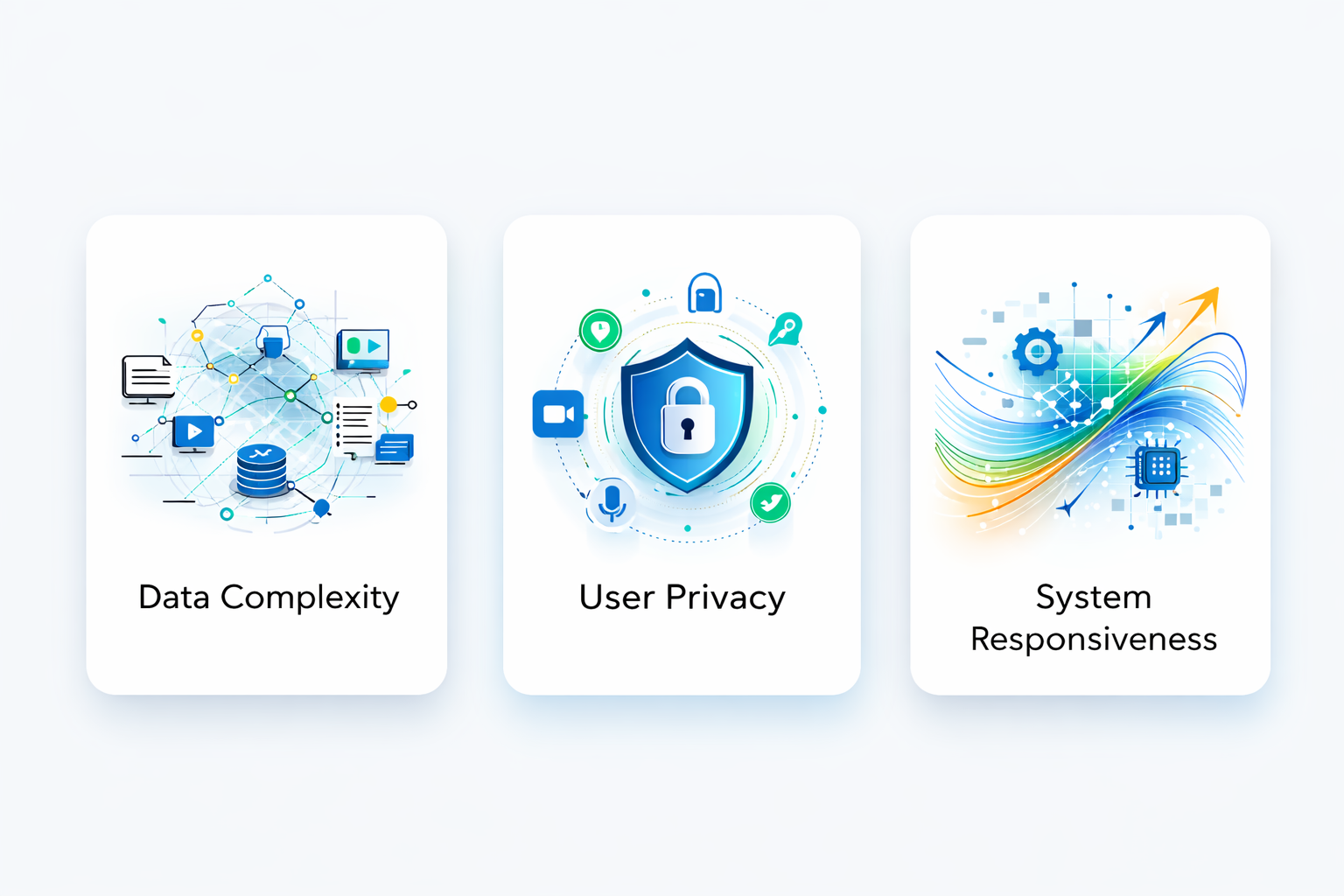
Data Complexity
Systems must handle heterogeneous data formats simultaneously. Proper design is essential to avoid performance bottlenecks.
User Privacy
Gathering different types of data, especially voice and video, requires strong privacy protections
System Responsiveness
Real‑time fusion of multiple channels requires optimized computing resources and intelligent algorithms.
Future Trends in Multimodal Communication
Looking ahead, we’re likely to see:
1. More Natural Interaction Models
Multimodal tech will evolve to interpret subtleties like emotional tone and user intent.
2. Context‑Aware Digital Assistants
Assistants that understand user behavior across sensory inputs.
3. Cross‑Domain Usage
Healthcare, education, gaming, and robotics will increasingly rely on multimodal communication to support richer collaboration and automation.
4. Increased Accessibility Solutions
Multimodal systems will drive inclusivity by providing alternative communication modes for users with diverse needs.
Conclusion
Multimodal communication isn’t merely about combining media types it’s about enabling more natural, flexible, and inclusive interactions between people and systems. Whether in business collaborations, education platforms, or advanced interface design, multimodal tech and multi communication systems break down barriers to understanding and create richer communication experiences.
As technology evolves, mastering multimodal will be a strategic differentiator. By deeply understanding its importance, exploring its type, and applying real‑world examples, organizations can cultivate better connections, enhance productivity, and future‑proof their communication strategies.
FAQs
What is multimodal communication?
When multiple modes such as spoken language, written text, visuals, and gestures are used together to convey meaning. It combines different communication channels to help others understand messages more effectively. This approach reflects how humans naturally communicate in real contexts.
Why is multimodal communication important?
It increases clarity by engaging multiple senses at once, helping people interpret information more easily and remember it better. This approach also improves accessibility for diverse users and leads to higher engagement and understanding in many real‑world communication settings.
What are common types of multimodal communication?
Common types include combinations of audio with visuals, text with images, voice with gestures, and sensor‑integrated systems that use environmental inputs. These varied types help users choose how they want to express or interpret information.
What are typical multimodal communication examples?
Examples include video conferencing that uses video, audio, and text chat, smart devices responding to voice and touch, and classroom tools that combine visuals and written text. These examples show how multiple channels create richer communication.
How does multimodal communication benefit learning or work?
It improves retention and understanding by engaging different senses concurrently, supporting varied learning styles and accessibility needs. In workplaces, it boosts collaboration and clarity across teams by offering multiple ways to communicate.
Relevant Guides & Services